
Explains how many wrong login attempts are allowed before the user account is locked
To ensure the security of your account, the system automatically locks a user account after a specified number of failed login attempts. This is designed to prevent unauthorized access and protect sensitive information. The number of failed login attempts before an account is locked can be configured by your system administrator.
The threshold for failed login attempts that triggers an account lockout can be configured by your system administrator. This setting is available in the System > My Company & User > Password Policies.
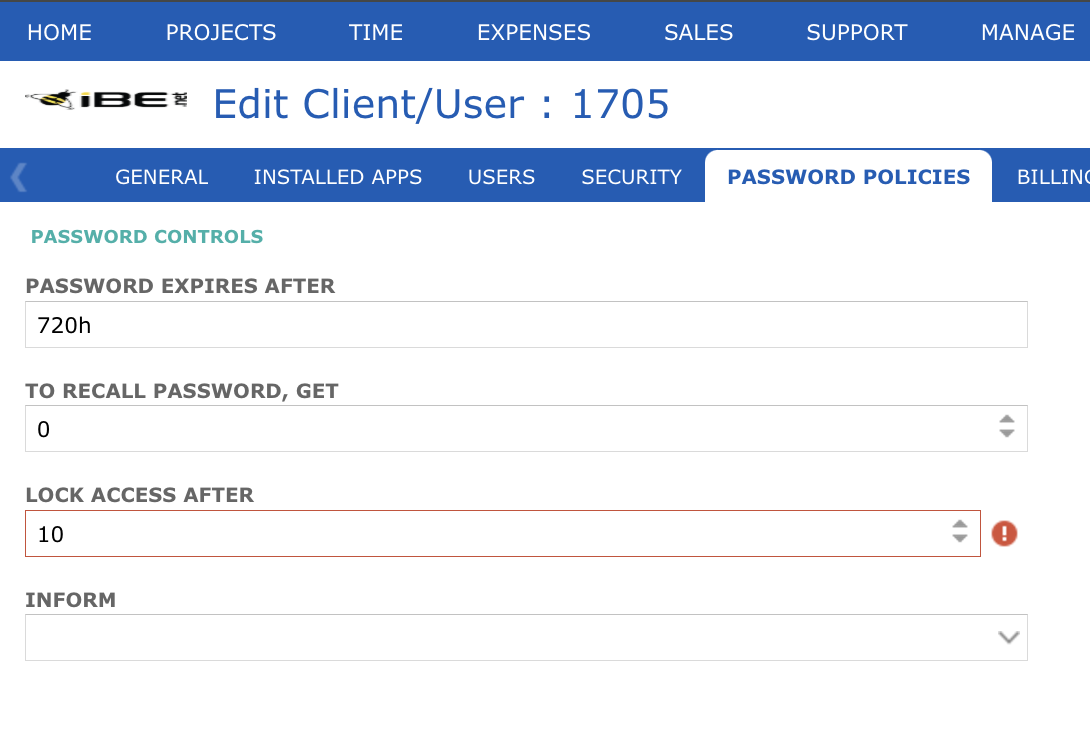
In this section, the administrator can adjust the number of failed login attempts allowed before the system locks out a user account. Here, the number of invalid attempts are set to 10. Your system administrator can set this number based on the security requirements of your organization.on the security requirements of your organization.