Table of Contents
Password Expiration Policy #
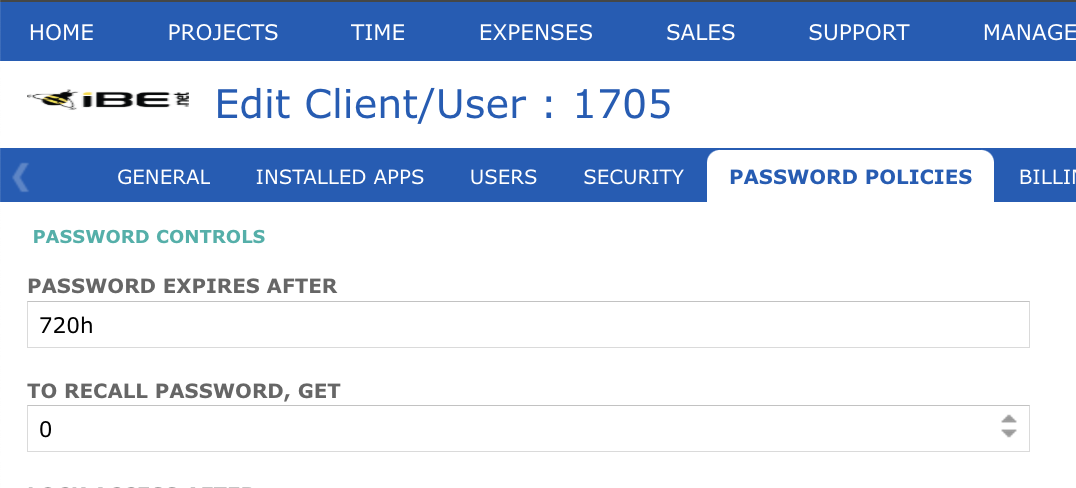
User can add number of days from the config settings which is accessible under System > My Company & User > Password Policies. Based on the days user sets, he will be notified. For example as per the below screen we have set Password expiration for 30 Days (30 Days x 24 hours = 720 hours)
Now the next expiry notification (which is set to 30 Days) will apply from the date on which user will reset his password.